Set up Otto Lite
Ten minutes, once. You'll need Claude on a paid plan, a Google account, and the Claude desktop app for the first run. After that it runs on its own.
Install the plugin
Customize → Plugins → Add → Add marketplace → Add from a repository. Paste this URL, press Sync, then install Otto Lite from the list. Got the zip instead? Add → Upload plugin.
https://github.com/eduardosilveiradev/ otto-lite 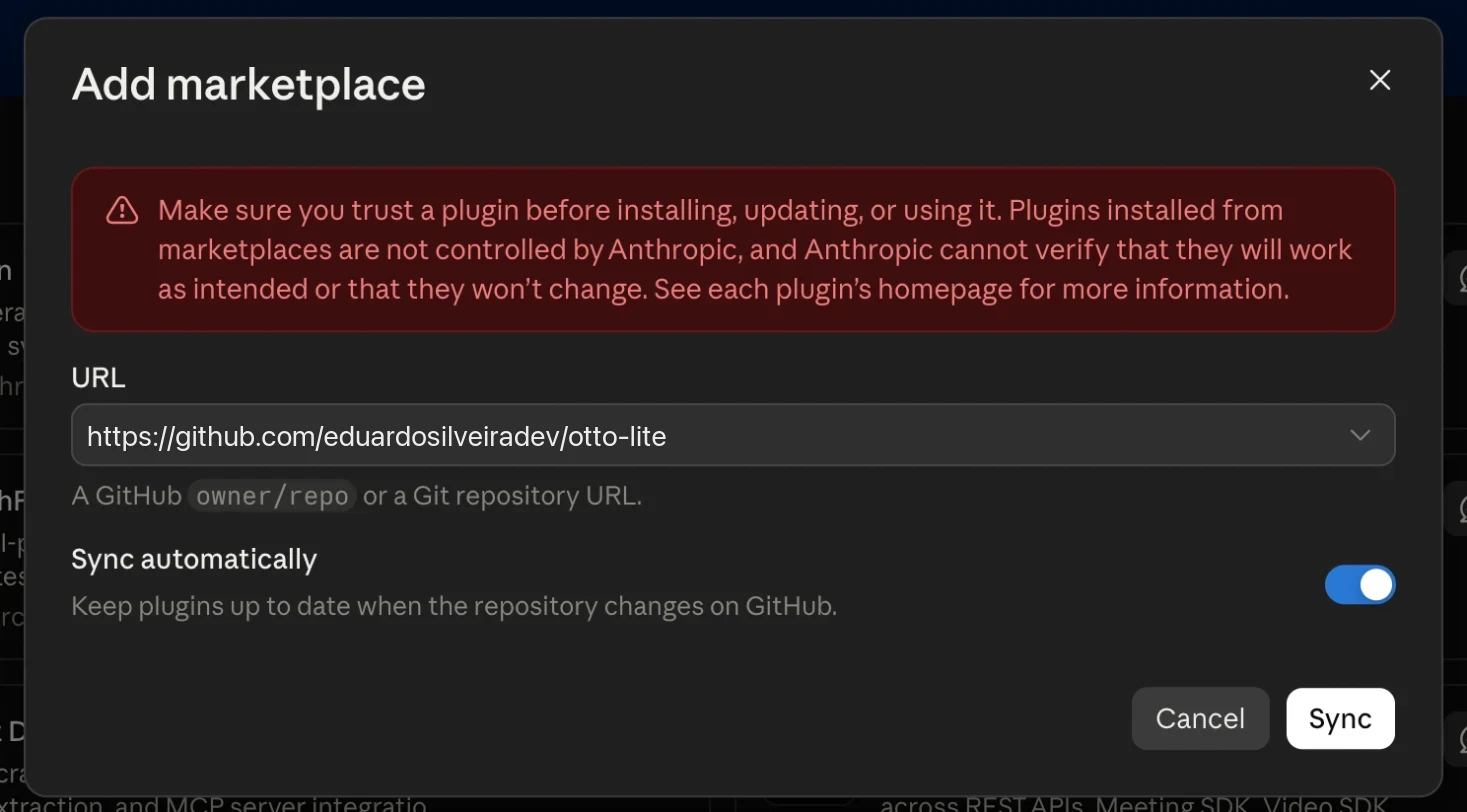
Say “set up Otto”
Or type
/otto-lite:setup. From here it walks you through the rest. The steps below are the same thing, in case you'd rather read first.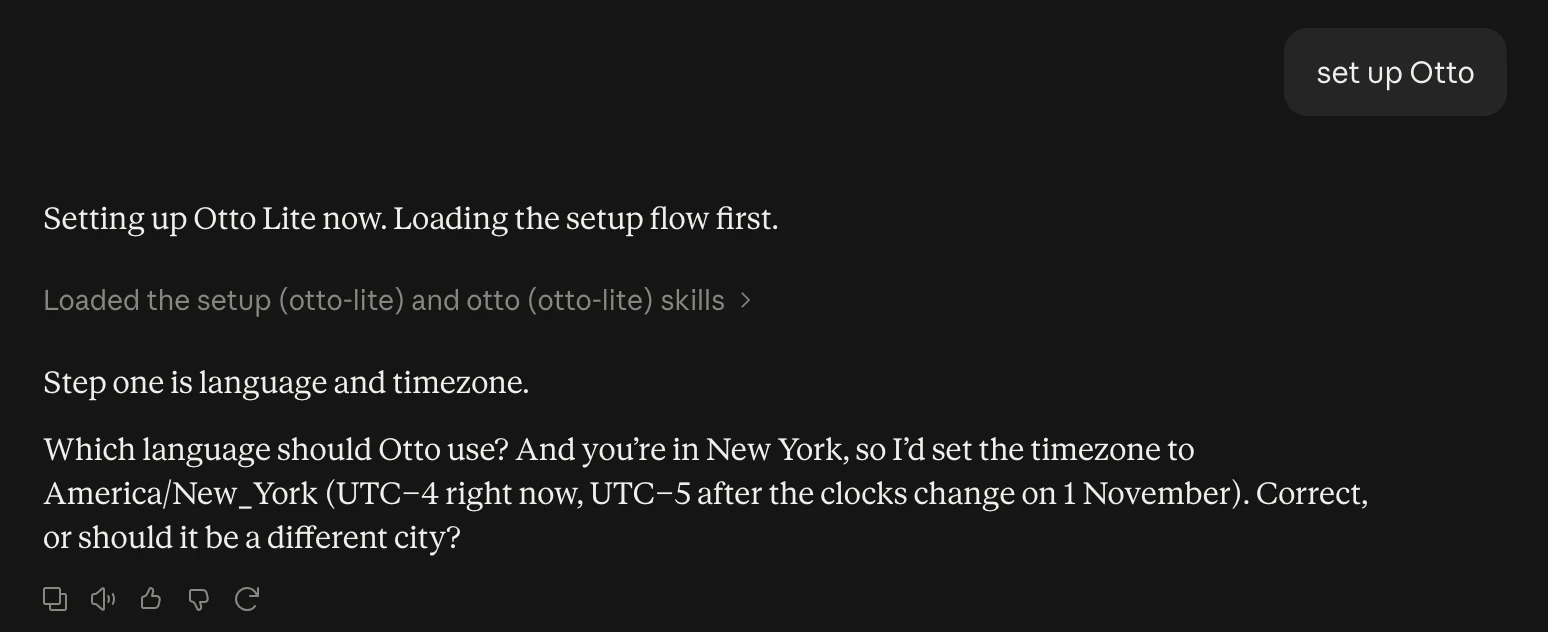
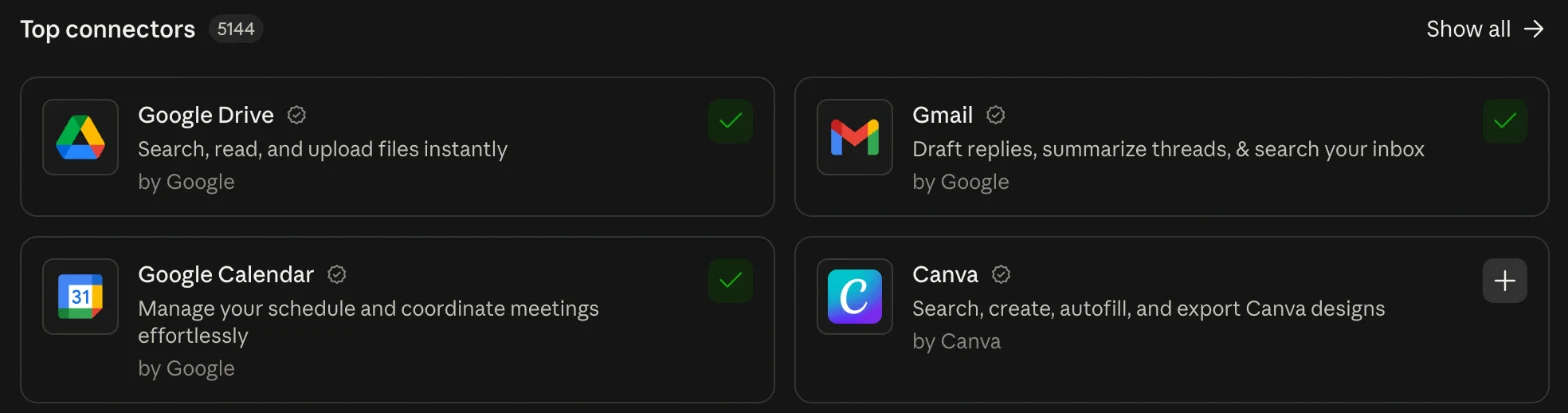
Connect Gmail, Calendar and Drive
Customize → Connectors → Google Drive, Gmail, Google Calendar → Connect → sign in with Google. Mail is to read, calendar is to see your day, Drive is to keep notes.
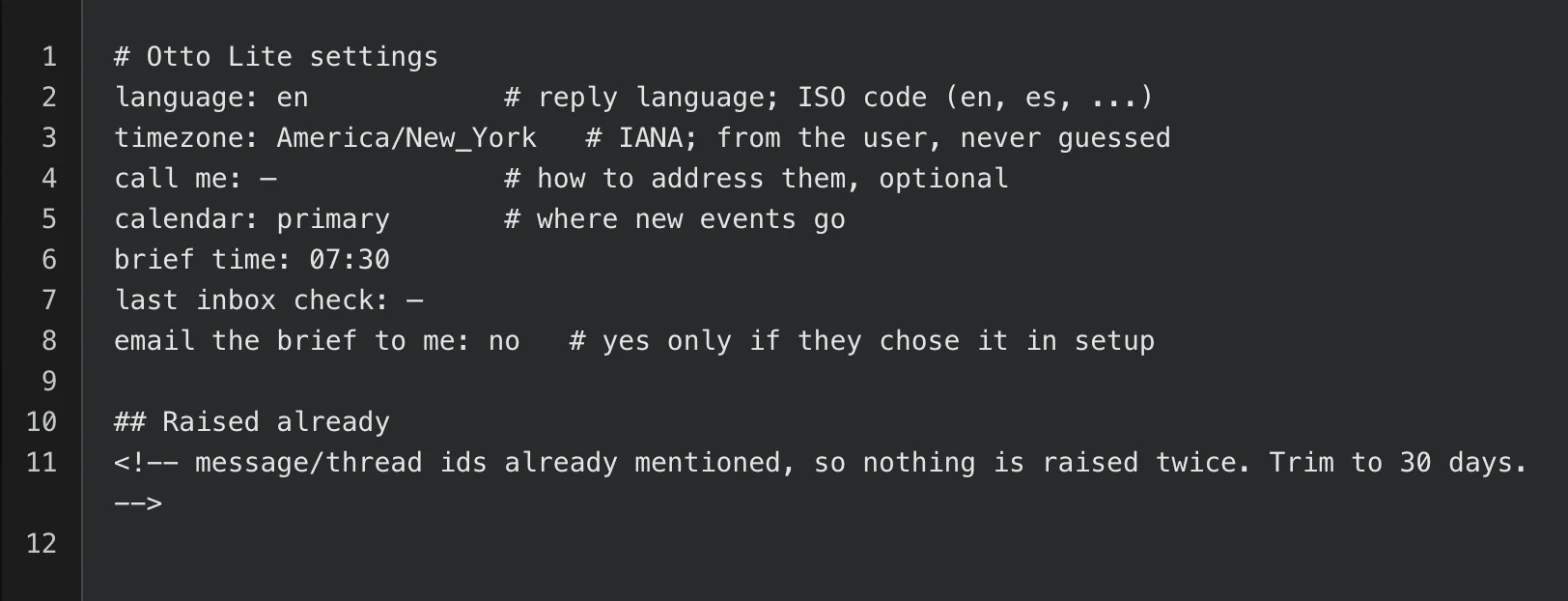
Pick your language and city
English, Spanish, whatever you text in. The city sets the timezone.
Schedule three tasks
They run in the cloud, so your computer can be asleep. If you'd like the inbox check twice a day, add a second run at 12:30 on weekdays with the same prompt.
Otto Lite · Morning briefDaily 07:30Use the otto-lite morning-brief skill. Write today's brief.Otto Lite · Inbox checkWeekdays 17:30Use the otto-lite inbox-check skill. Check mail since the last check, update my loops, and tell me only what needs me.Otto Lite · Weekly reviewSunday 18:00Use the otto-lite weekly-review skill. Write my week in review.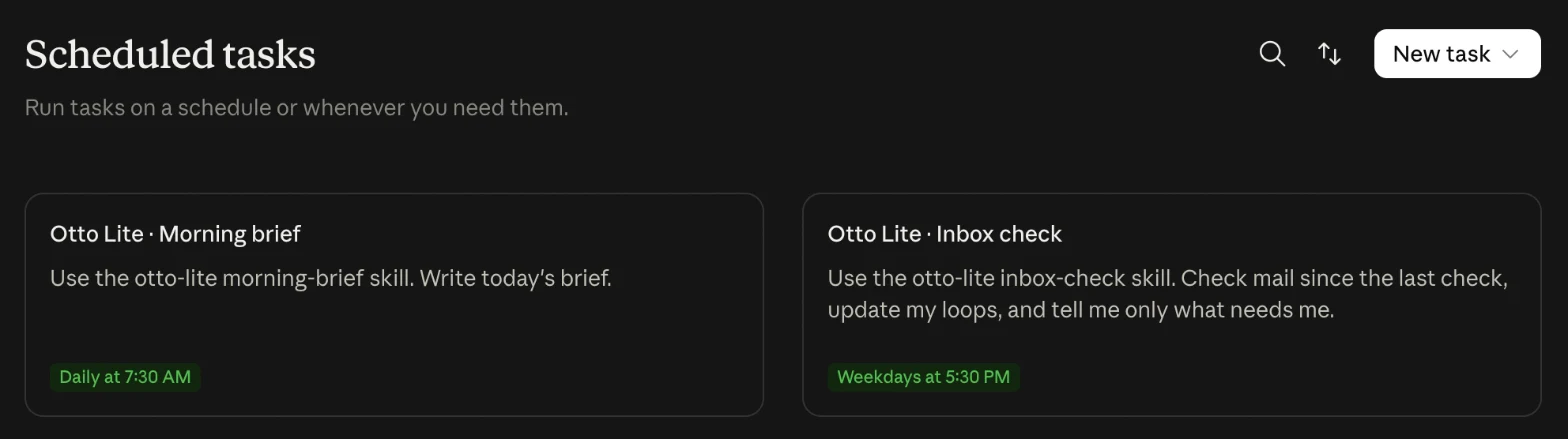
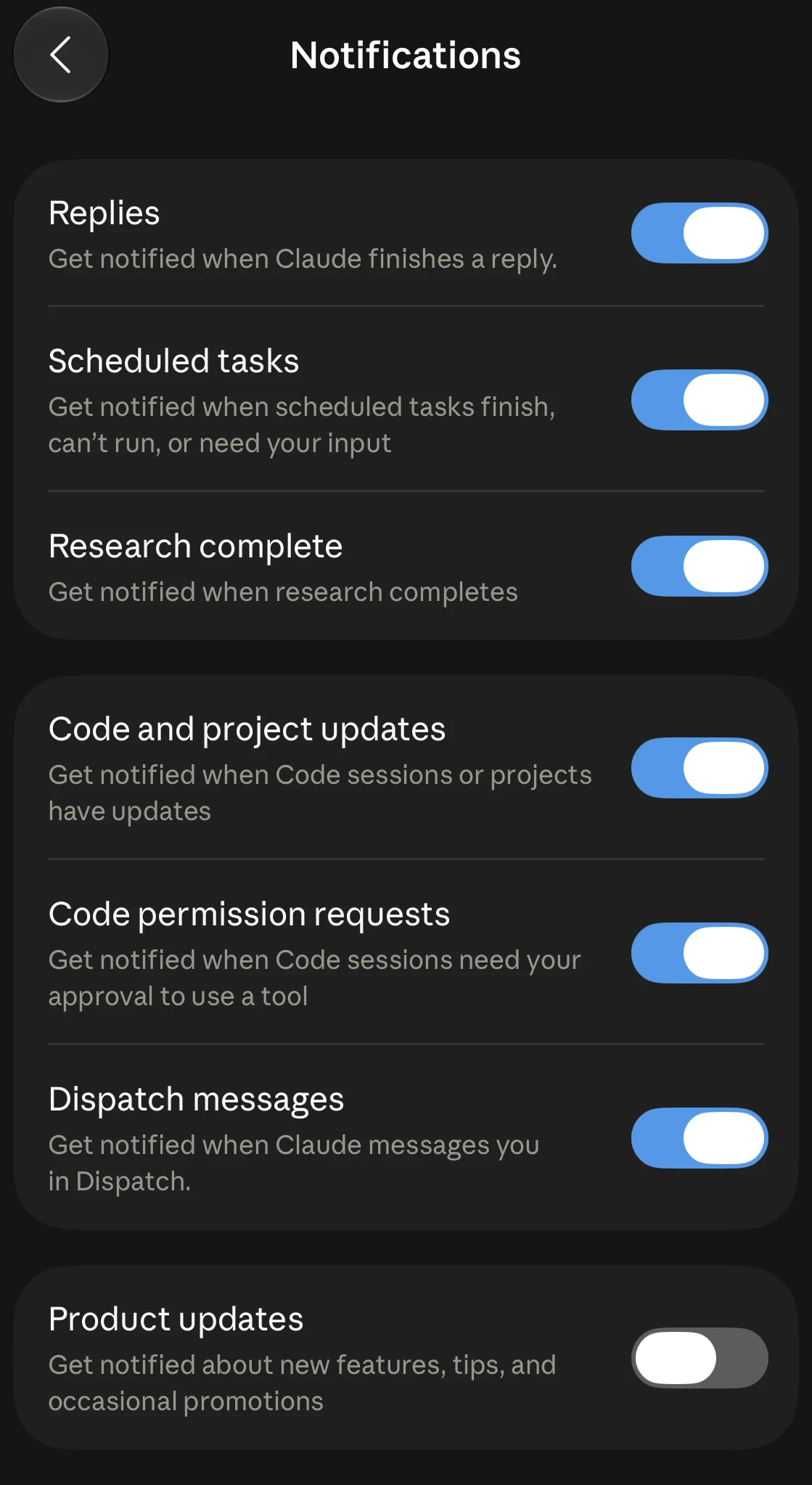
Turn on notifications
In the Claude app on your phone: Settings → Notifications → turn on Scheduled tasks, and tap Allow when the phone asks. That's how the brief finds you.
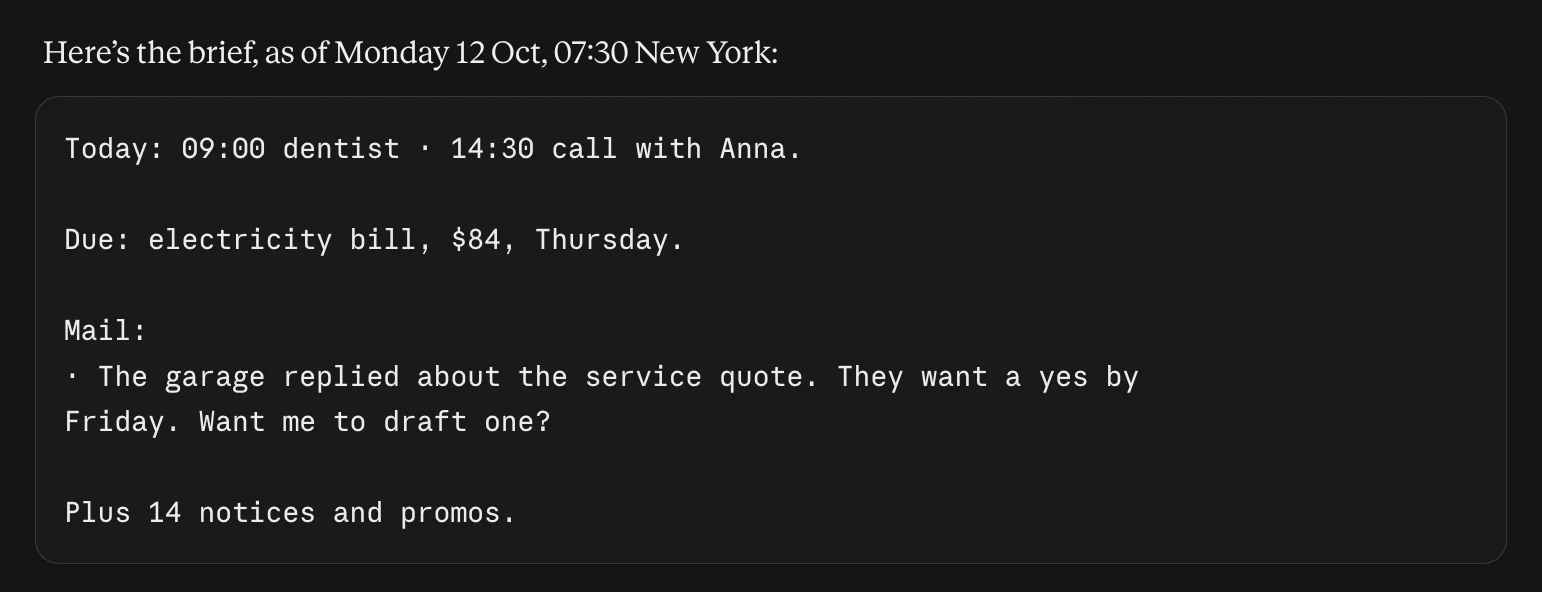
Try it
Run the morning brief once. Then tell it something you're waiting on.
If something's off
Check the task is switched on under Scheduled, and that notifications are on for Claude. Then run it by hand once. If it works by hand, it's the schedule. If not, one of the three connectors has signed out.
Notes live in a Drive folder called Otto Lite. Reconnect Drive in Settings → Connectors, and check the folder is still there and hasn't been renamed.
Open settings.md in the Otto Lite folder and change the language line. The next run uses it.